
Brand Asset
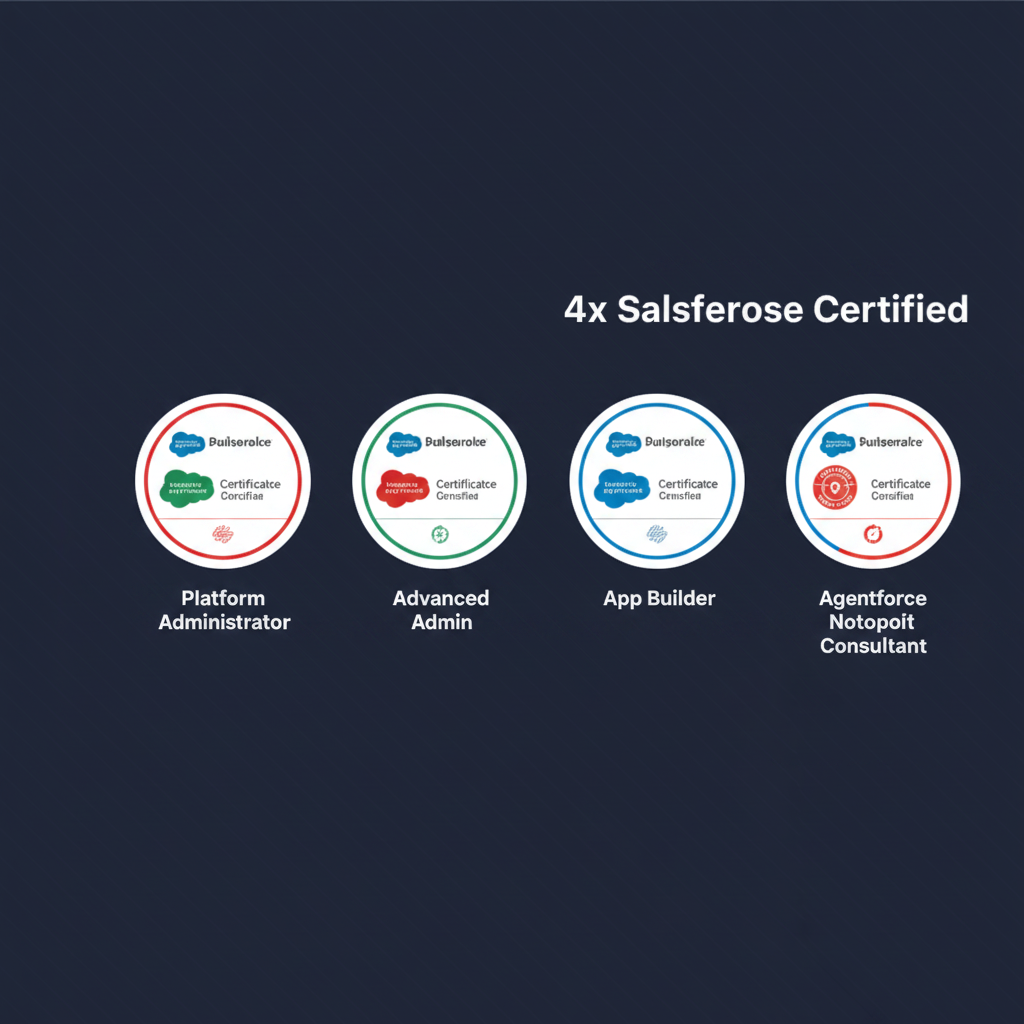
Your LinkedIn Banner
Optimized for LinkedIn's 1584 x 396px banner format. Download and upload directly to your profile.
How to Upload
- 1Download the banner using the button above
- 2Go to your LinkedIn profile
- 3Click the camera icon on your background photo area
- 4Select "Change photo" and upload the downloaded file
- 5Crop if needed — the banner is already the right size
- 6Click "Apply" to save
Certifications Featured
- Salesforce Certified Platform Administrator
- Salesforce Certified Advanced Platform Administrator
- Salesforce Certified Platform App Builder
- Salesforce Certified Agentforce Nonprofit Consultant
Specs: 1584 x 396px · PNG format · LinkedIn recommended size · Safe zone respected for mobile cropping